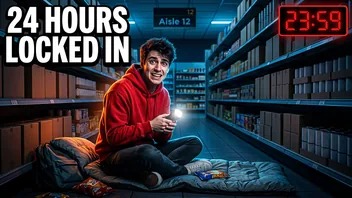
 27:41
I survived 24 hours locked in a supermarket
Overnight Odyssey
8.2M views · 5 days ago
YouTube can show you fewer Shorts, but it has no switch that turns them off. TubeBlock, a free browser extension, adds one switch that keeps Shorts shelves and Shorts cards out of Home, search and Subscriptions on your computer until you turn it off.
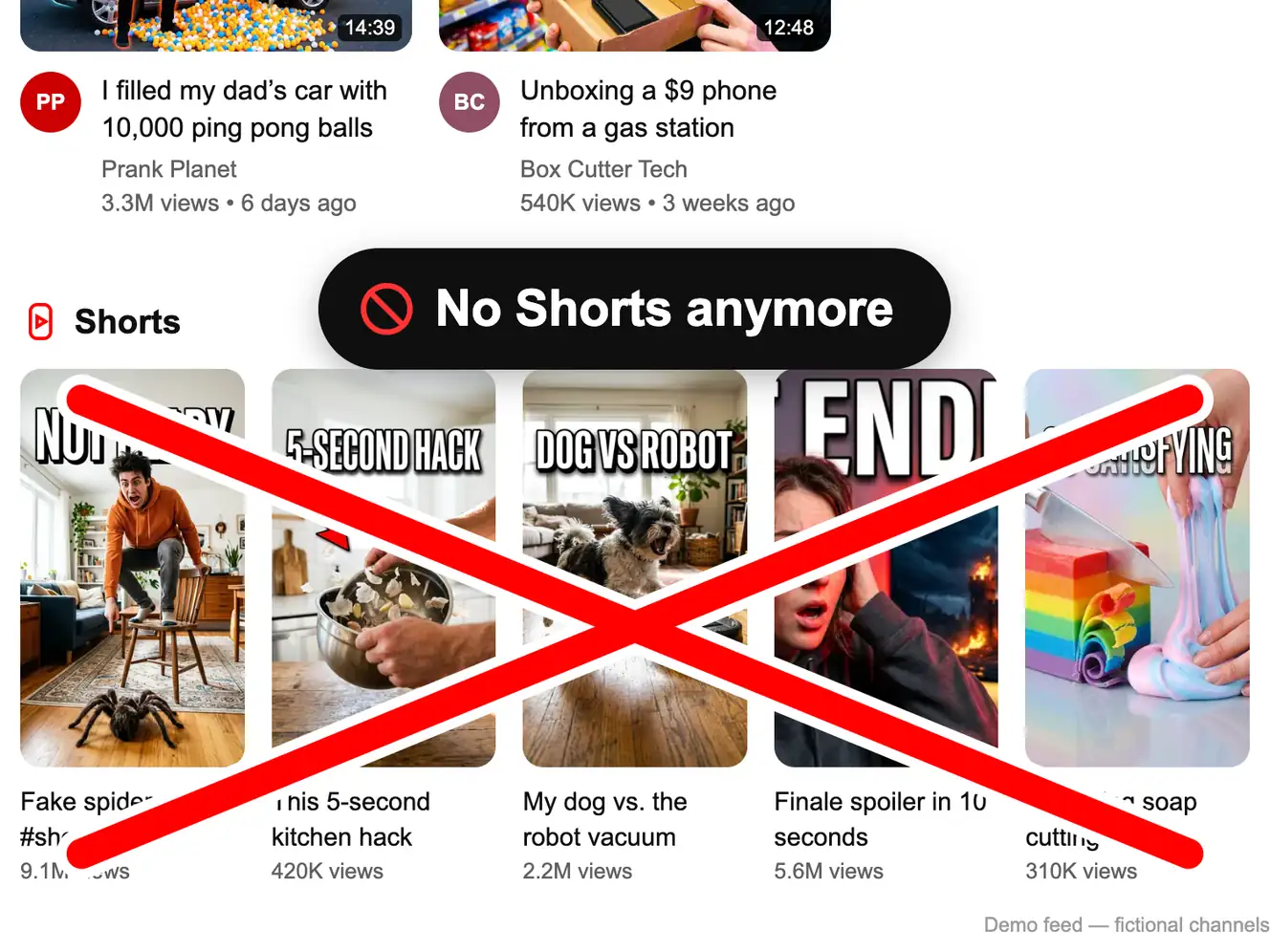
Demo feed: switch Hide Shorts on and off
Made-up channels and videos. This is a live preview of how TubeBlock behaves on YouTube.
Showing all 8 items. Nothing is hidden yet.
27:41I survived 24 hours locked in a supermarket
Overnight Odyssey
8.2M views · 5 days ago
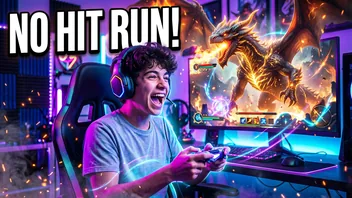 41:22
I beat the whole game without taking a single hit
Pixel Panic
980K views · 4 days ago
 22:17
10,000 calorie burger challenge (ASMR mukbang)
Mega Munch Club
4.6M views · 2 weeks ago
Shorts

Wait for the ending
12M views
Satisfying soap cutting ASMR
2.3M views
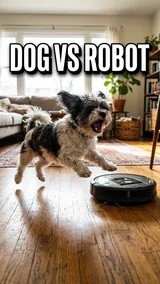
My dog vs. the robot vacuum
7.7M views
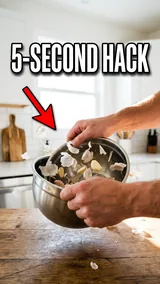
This 5-second kitchen hack
1.4M views
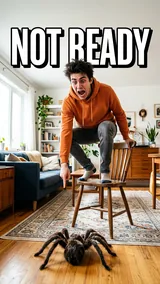
He was not ready for this spider
9.1M views
Everything in this demo feed is hidden. Press Reset demo to bring it back.
This is a demo. The extension for your real YouTube is coming soon.
Get TubeBlockIs there a way to hide Shorts on YouTube? Not with YouTube's own settings. What it offers is feedback, not an off switch:
For a supervised child account, parents can set a daily limit for the Shorts feed. For your own account the built-in options only reduce Shorts; they do not remove them.
Download the free zip and load it in Chrome, Edge, Brave or Opera. The install guide has the exact clicks for each browser.
Get TubeBlock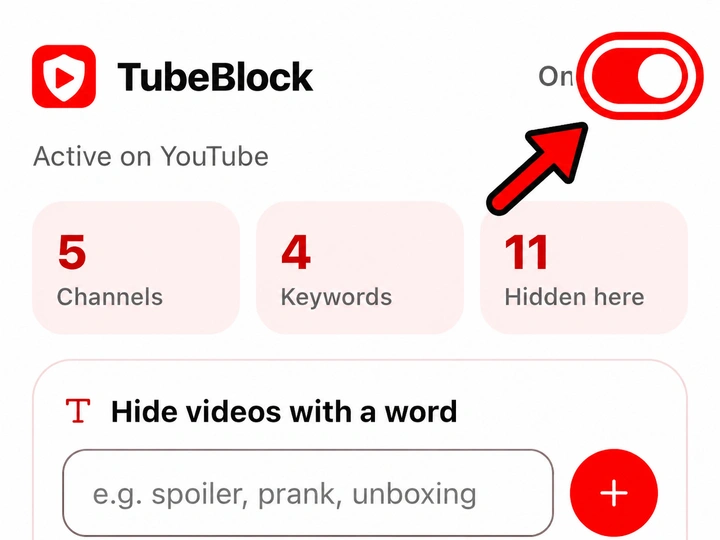
Click the TubeBlock icon in the browser toolbar and turn on Hide Shorts. The setting is saved, so it stays on after you restart the browser.
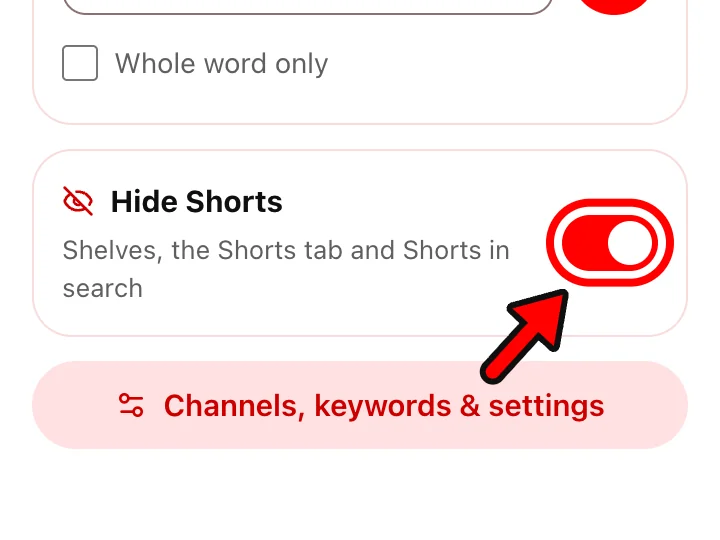
Shorts are gone from YouTube itself: the Shorts shelves and Shorts cards disappear from your Home feed, search results, Subscriptions and the Up next column next to a video. Regular videos stay exactly where they were. The Shorts entry in the left menu goes too. Want them back for a day? Switch it off.
| Place on YouTube | With Hide Shorts on |
|---|---|
| Shorts shelf on Home | Hidden |
| Shorts in search results | Hidden |
| Shorts in Subscriptions | Hidden |
| Shorts link in the left menu, Shorts filter chips, Shorts tab on channel pages | Hidden |
| The Shorts player (a /shorts/ link) | Covered with a notice and a link to open the same video in the normal player |
| Regular videos | Not affected |
| What you want | YouTube built-in | TubeBlock |
|---|---|---|
| Hide the Shorts shelf on Home | Only "Show fewer Shorts" in the app, which reduces them | While the switch is on |
| Hide Shorts in search | No | Yes |
| Hide Shorts in Subscriptions | No | Yes |
| Turn Shorts back on instantly | Undo means deleting feedback in My Activity | Yes, one switch |
| Works in the YouTube phone app | "Show fewer Shorts"; a daily Shorts limit for supervised accounts | No, desktop browser only |
Not completely with YouTube's own controls: "Show fewer Shorts" in the mobile app reduces them, and there is no off switch. With TubeBlock on a computer, Shorts stay hidden as long as the switch is on.
On a computer, install TubeBlock and turn on Hide Shorts. It hides Shorts shelves and Shorts cards on Home, in search and in Subscriptions.
Not with TubeBlock: it does not run in the YouTube apps for iPhone, iPad or Android, on TVs or in YouTube Kids. In the app you can use "Show fewer Shorts"; for a supervised child account, parents can set a daily Shorts feed limit.
No. TubeBlock does not send feedback to YouTube; it only hides Shorts on your screen. Turn the switch off and everything looks as before.
Yes. While Hide Shorts is on, TubeBlock pauses the scrolling Shorts player and shows a notice with a link that opens the same video in the normal player. Or switch Hide Shorts off in the popup.
Last updated
TubeBlock is free, needs no account and keeps your lists in your browser. It works in Chrome, Edge, Brave and Opera on a computer.